Complete Assessment Infrastructure
Full lifecycle management from creation to archiving. Optical reading, online exams, booklet versioning, multi-branch campaigns, AI-assisted reports, and QR entry cards — everything in one platform.
8-Stage Process
Every assessment follows a structured process with permission controls at each stage. No steps are skipped — your data is always safe.
Draft
Create the assessment, add questions, configure booklets and participants
Planned
Assessment is finalized and scheduled, ready to begin
Started
Assessment is live — questions and participants are locked
Ended
Assessment period has concluded, responses are collected
Evaluating
Optic file import, manual grading, or AI-assisted evaluation in progress
Completed
Results calculated, analytics are available
Archived
Archived for future reference, read-only access
Cancelled
Cancelled before completion, records preserved
Multi-Format Assessment Creation
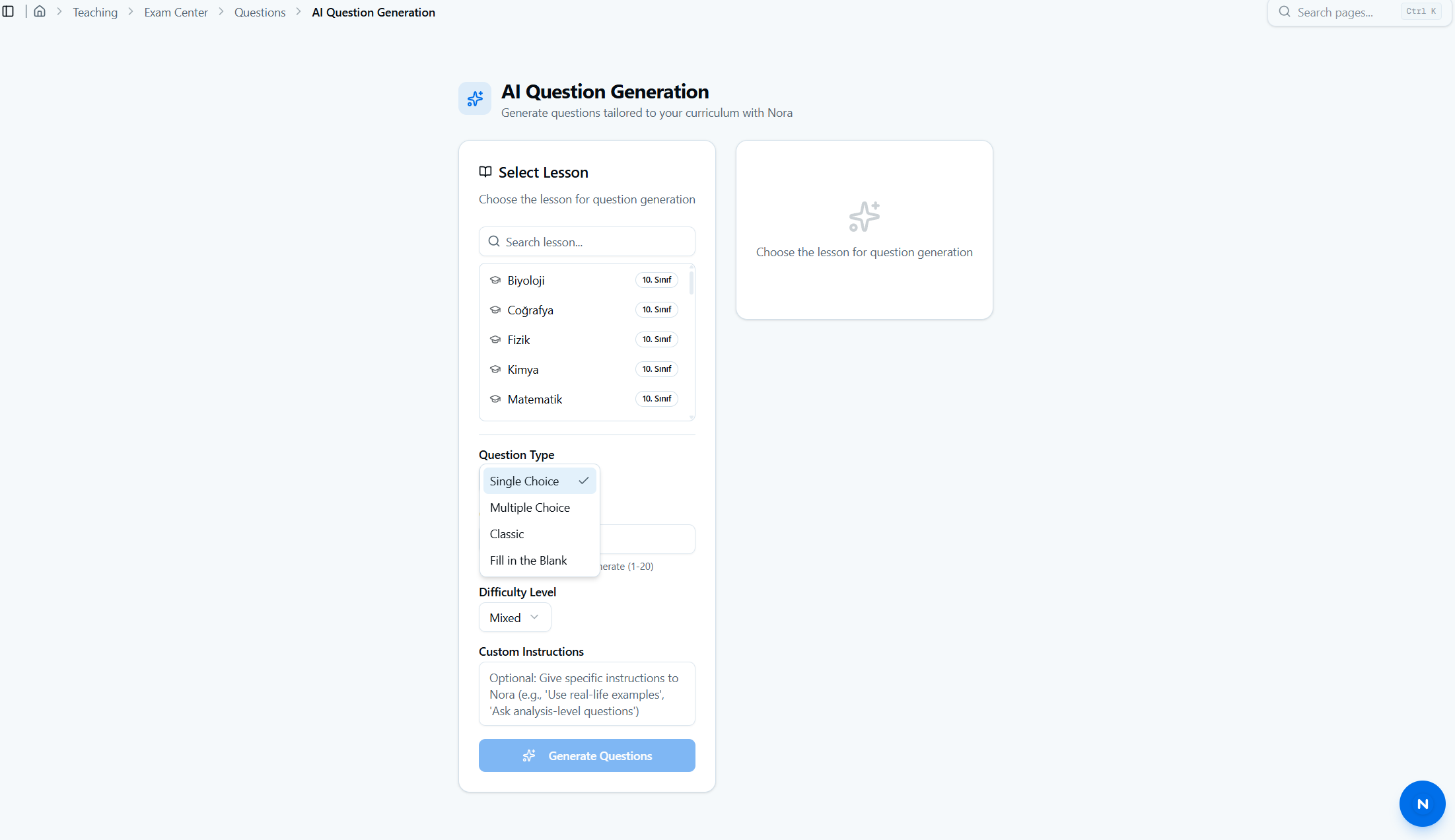
Support for single-choice, multi-choice, fill-in-the-blank, and open-ended question types. Organize assessments with a 3-level category hierarchy: assessment type, subject category, and sub-category. Automatic question distribution based on your category structure. Free editing during preparation — locked once the assessment begins.
Booklet Versioning
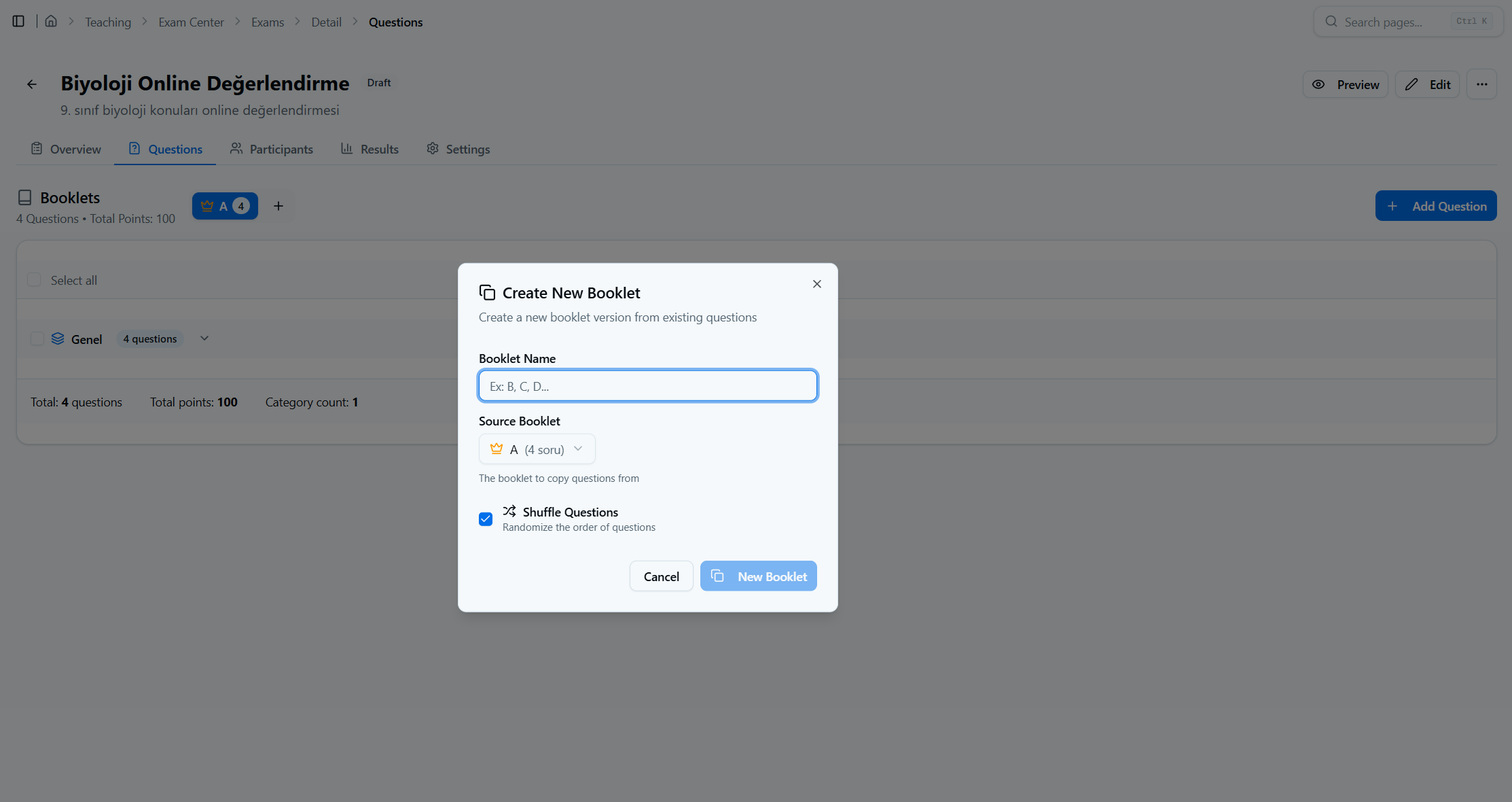
Create multiple assessment booklets from a single source. Questions are automatically shuffled into a unique order for each booklet to prevent copying. Changes made to one booklet sync automatically to all other versions. Booklets are distributed to participants based on their assigned locations.
Optic File Import & Answer Transfer
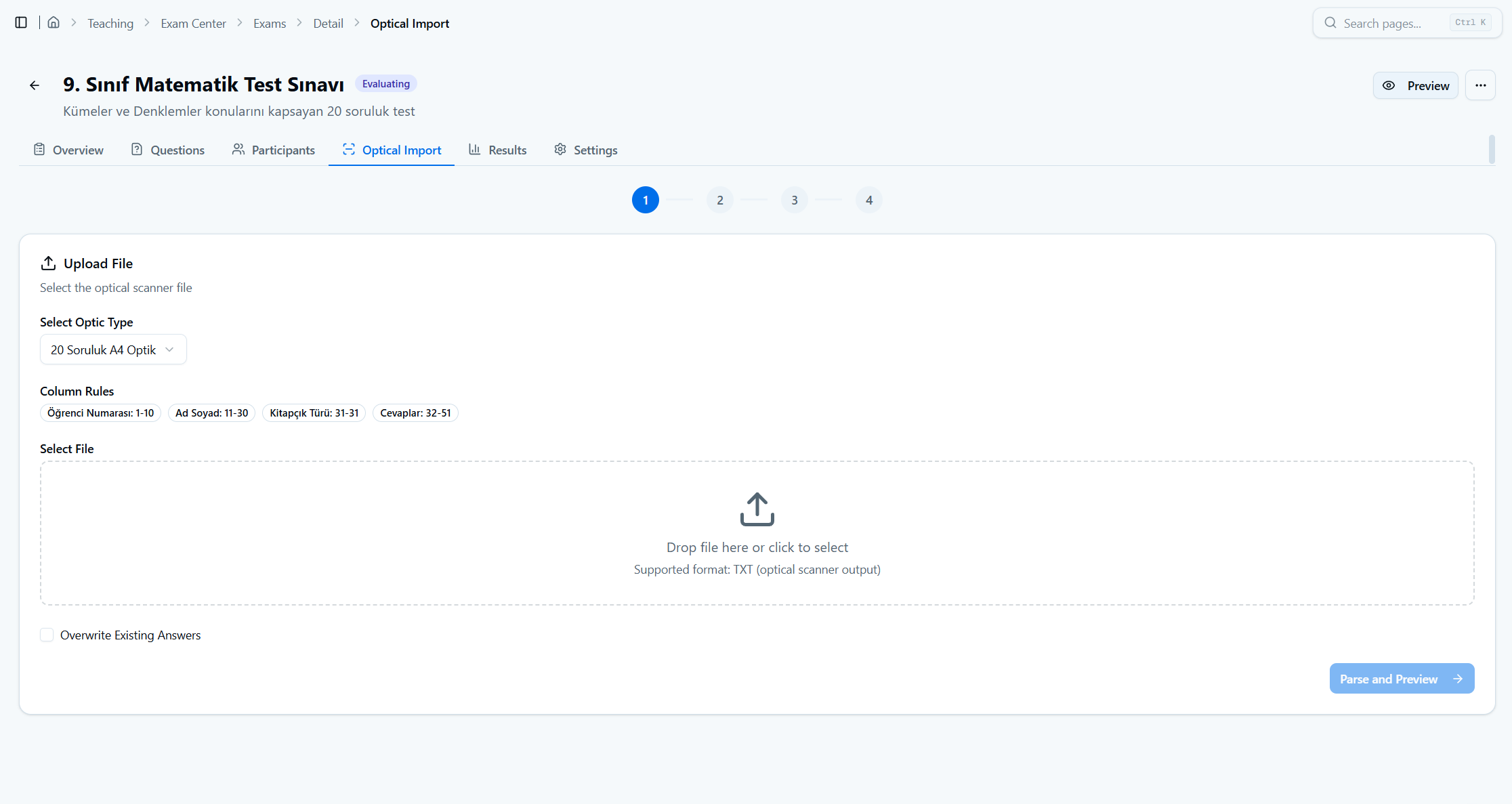
Import pre-scanned answer data from external optic readers as TXT files. Define optic templates with custom field mappings and parsing rules. Flexible student matching by email, ID number, name, or registration number. An intuitive manual matching interface handles unrecognized entries. Bulk import support for efficient processing of high-volume assessments.
Proctored Online Assessments
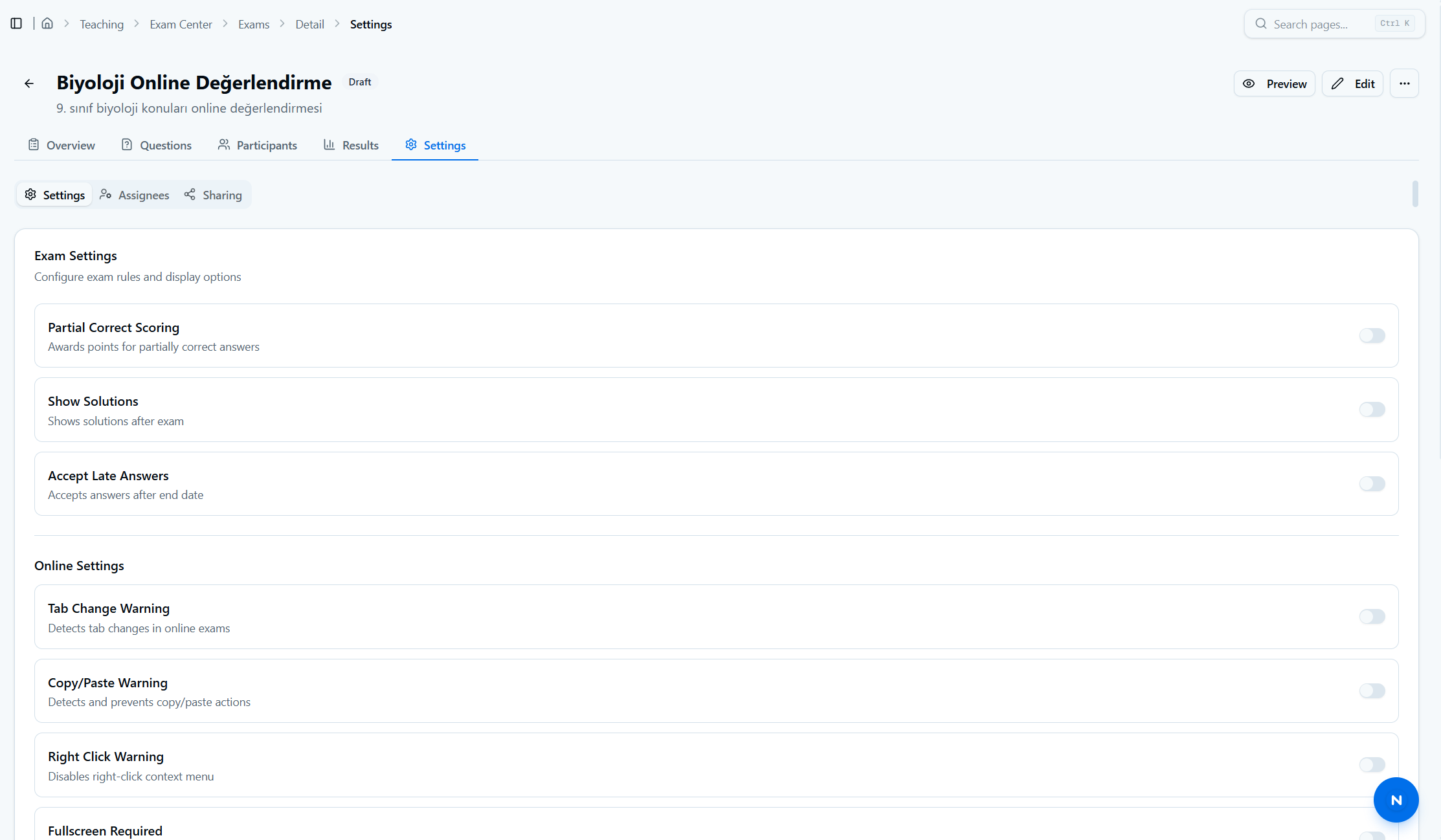
Complete online assessment environment with timed sessions, auto-saving, question flagging, and one-click submission. Proctoring detects 7 violation types: tab switching, copy-paste, right-click, fullscreen exit, page refresh, developer tools, and other suspicious activity. Configurable disqualification threshold. Multiple view modes — display one question at a time or all at once.
Multi-Branch Campaigns
Create joint assessment campaigns across multiple branches. Add participating branches as campaign members. View global statistics and leaderboards. Compare performance across branches with cross-branch analytics and AI-assisted insights.
Results & Net Score Calculation
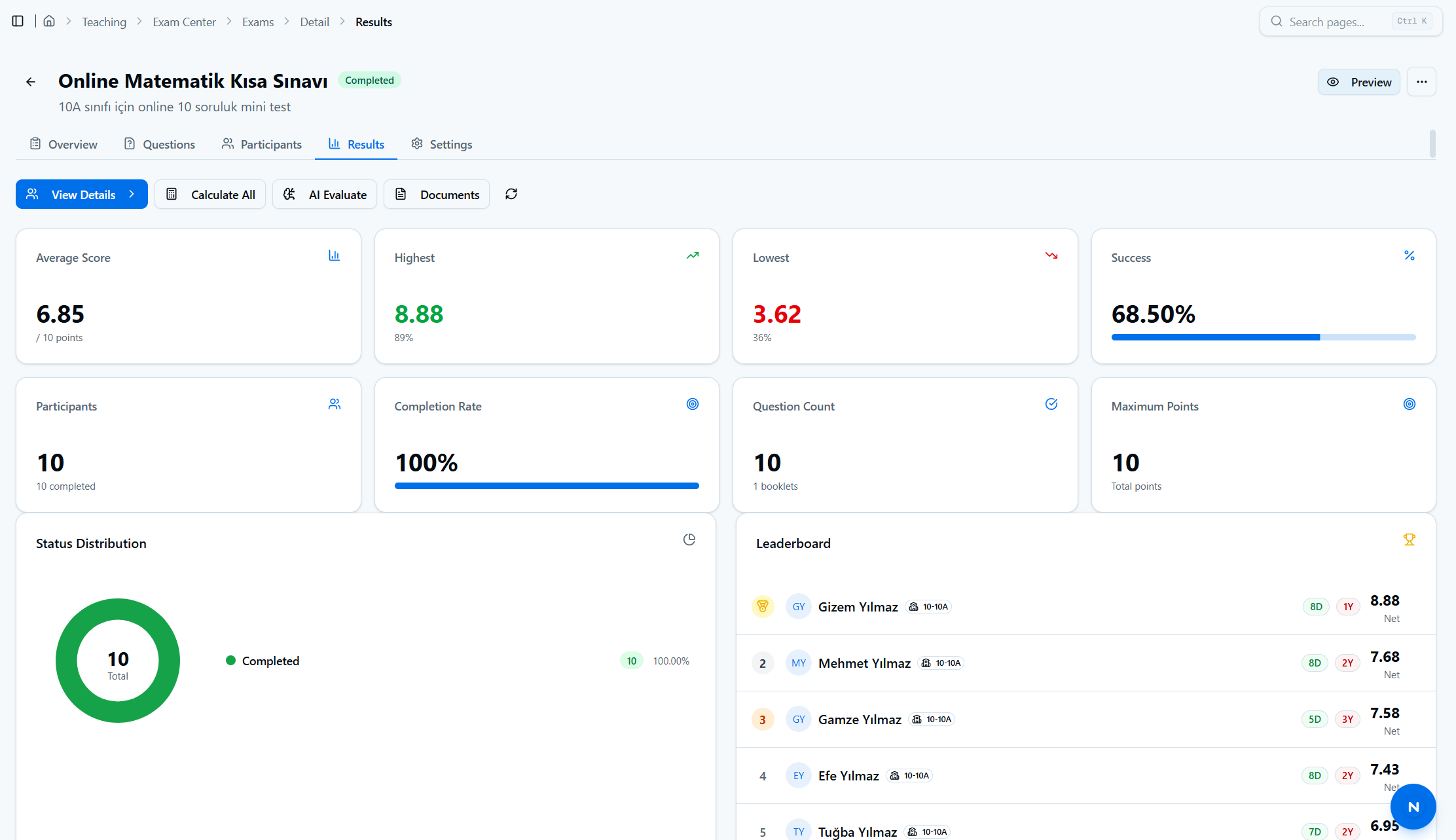
Automatic scoring with support for single-answer and multi-answer questions. Partial credit options for multi-answer questions. Net score calculation with wrong-answer penalties. Per-assessment statistics including average, median, highest, and lowest scores. Per-question analytics showing correct, wrong, and empty response ratios.
AI-Assisted Analysis Reports
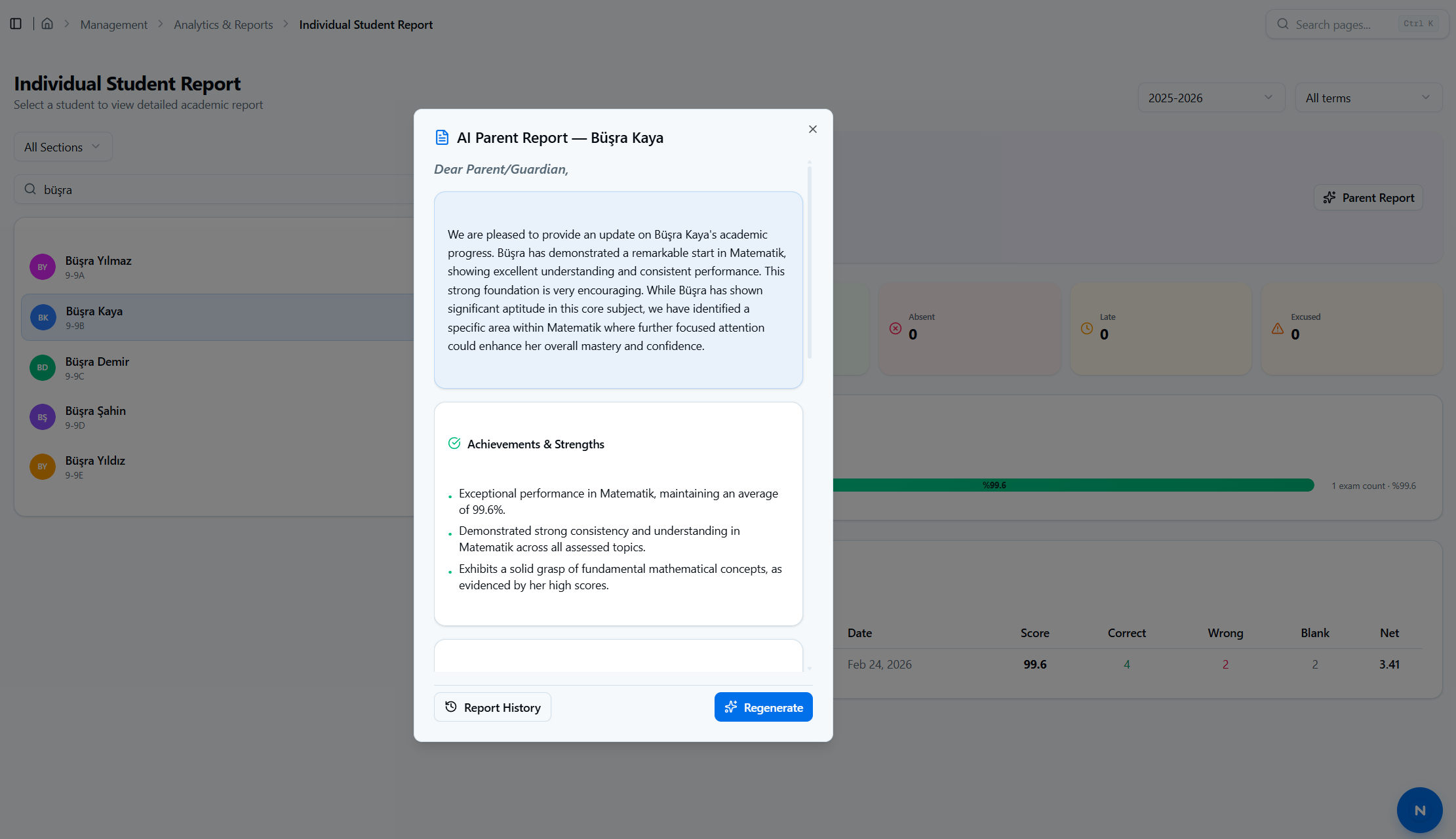
Automatically generate comprehensive analysis reports for each assessment. Category-based breakdowns with AI-assisted insights highlight strengths and areas for improvement. Reports are processed asynchronously — view or download them as soon as they're ready.
Public Application & QR Entry Cards
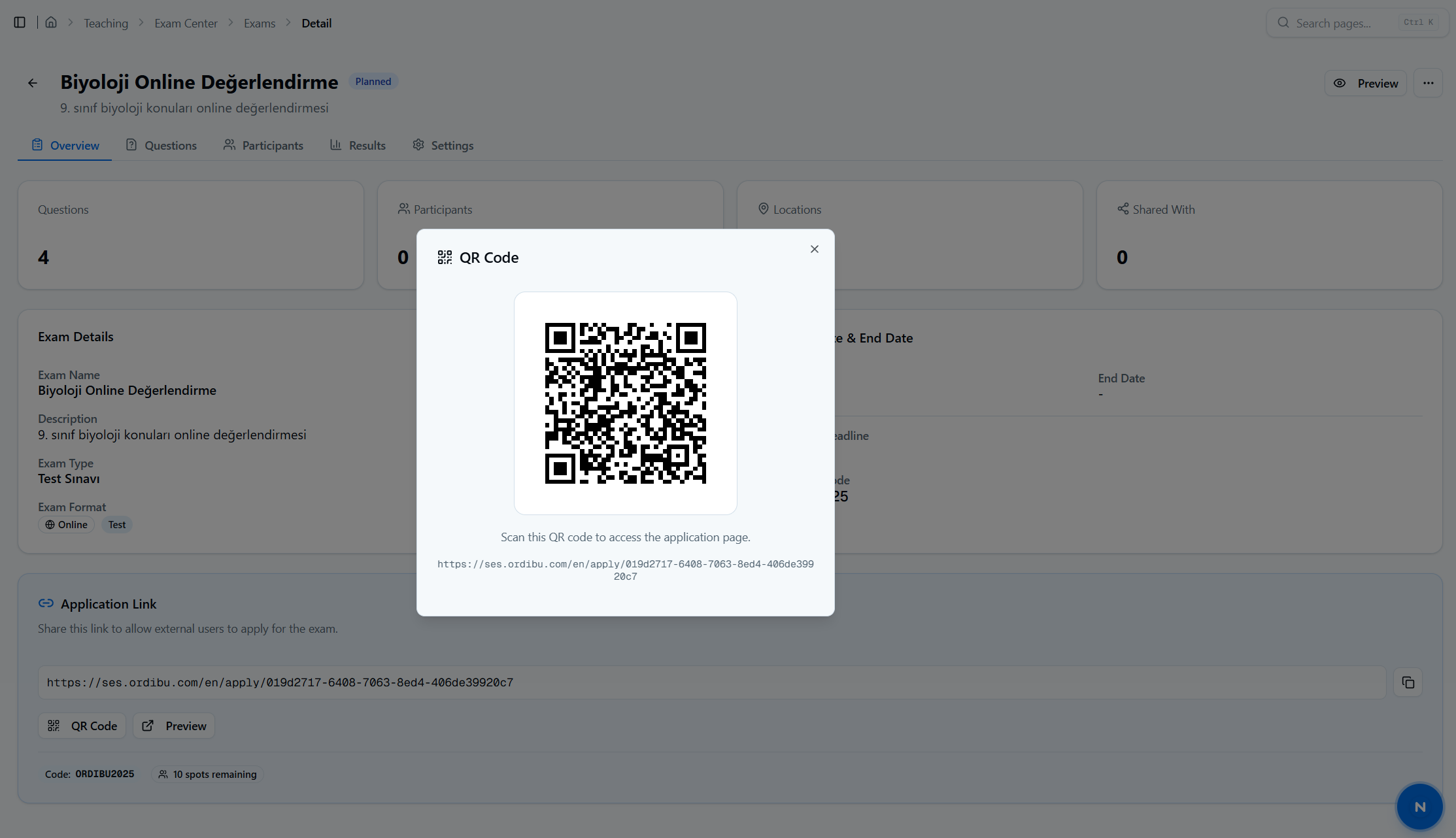
Share a public assessment application page — no login required for applicants. Capacity and deadline validation ensures controlled registration. Applicant accounts are created automatically upon registration. QR-coded entry cards are emailed with assessment details, venue information for in-person sessions, or direct links for online assessments.
Role-Based Assessment Permissions
4 distinct roles with clear permissions at every stage of the assessment lifecycle.
Creator
Full authority: editing, status transitions, evaluation, optic file import, and participant management
Moderator
Status transitions and content review authority
Evaluator
Result calculation, optic file import, and grading
Viewer
Read-only access to assessment data and results